
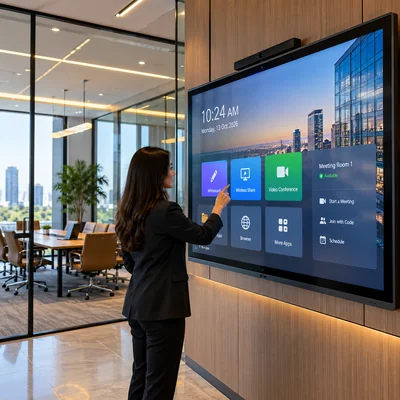
Interactive Screen
4K UHD Touch Displays for Corporate Collaboration & Digital Classrooms
Interactive Display Solutions for Offices, Hospitals & Schools Liverton Automation provides interactive display solutions for offices, hospitals and educational institutions, designed to make communication, collaboration and presentations more engaging. These touch-enabled screens support interactive discussions, digital presentations, classroom learning and information sharing, helping organisations create more efficient and connected environments.
Key Architectural Features
Interactive Touchscreen Experience
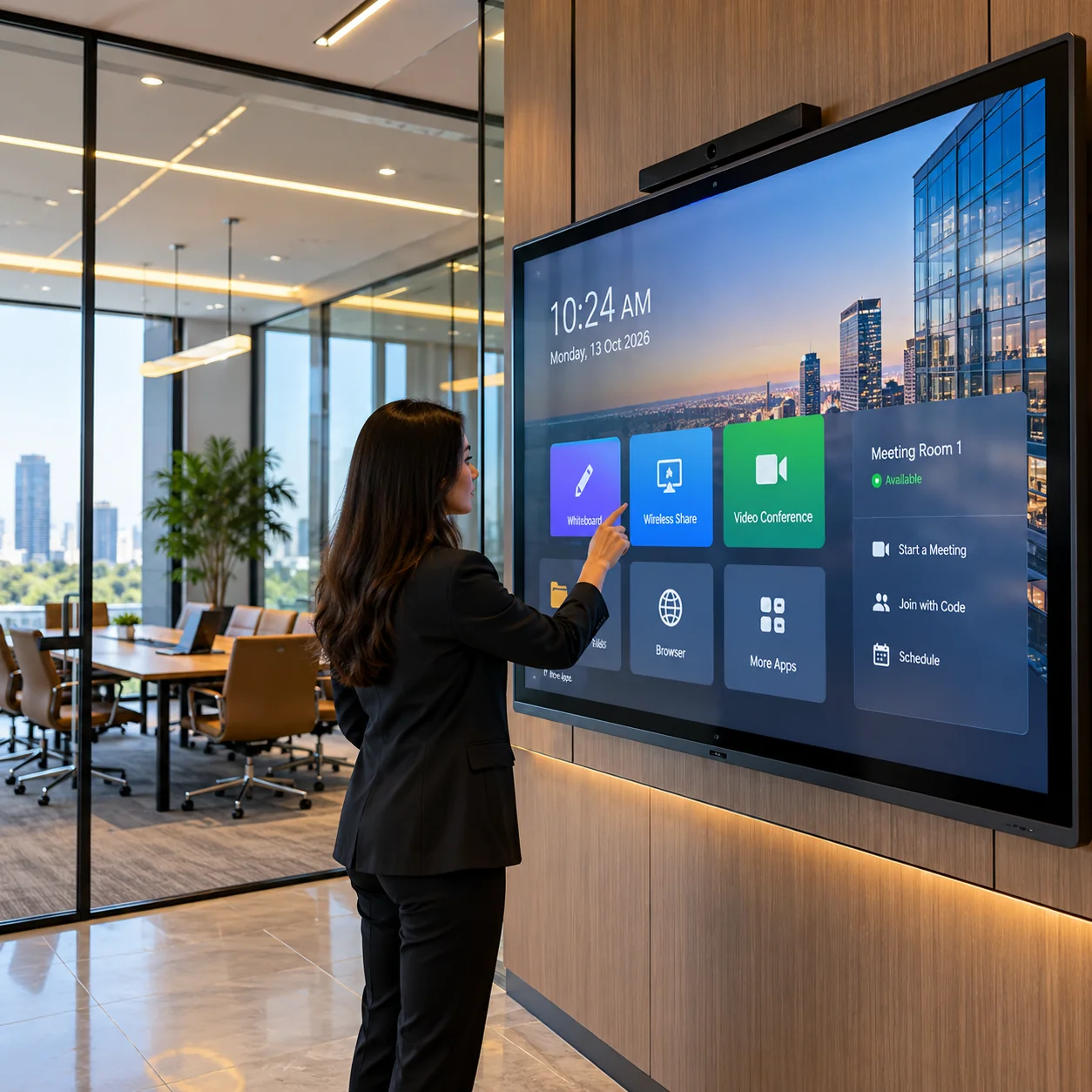
Interactive displays allow users to write, draw, highlight and navigate content directly on the screen using touch or compatible digital pens. This makes presentations, discussions and learning sessions more engaging and convenient.
Enhanced Meetings & Office Collabor
Enhanced Meetings & Office CollaborationIn offices and conference rooms, interactive screens support presentations, brainstorming, document annotation and team discussions. Teams can share ideas, make changes in real time and improve meeting productivity.
Smart Learning & Digital Classrooms
Interactive displays help teachers present lessons using videos, images, diagrams and digital learning materials. Students can participate in activities directly on the screen, supporting collaborative and engaging classroom sessions.
Clear Communication in Hospitals
Hospitals can use interactive displays for presentations, staff training, patient education and departmental discussions. They can also support digital information sharing in designated areas, subject to appropriate privacy and access controls.
Multimedia & Screen Sharing
Compatible interactive displays can support presentations, videos, images and wireless screen sharing from laptops or other devices. This allows users to share content conveniently during meetings, lectures and training sessions, depending on the selected model.
Flexible Installation & Multiple Ap
Flexible Installation & Multiple ApplicationsInteractive displays can be installed in meeting rooms, classrooms, training centres, hospital conference rooms and other shared spaces. Screen size, mounting arrangement, connectivity and software can be selected according to the room layout and intended use.
Client Benefits
- Improved collaboration: Teams, teachers and participants can interact directly with presentation content.
- Engaging learning experience: Supports visual demonstrations, interactive lessons and student participation.
- Efficient meetings: Makes it easier to annotate documents, share ideas and review information together.
- Convenient content sharing: Compatible devices can display presentations and multimedia without relying solely on traditional projection.
- Versatile applications: One display can support meetings, training, teaching and information sharing.
- Better use of shared spaces: Suitable for conference rooms, classrooms, training areas and designated hospital spaces.
Frequently Asked Questions
Everything you need to know about system selection, retrofitting, and Kerala installation
Q. What is an interactive display?
A. An interactive display is a large touchscreen that allows users to operate applications, write, draw, annotate and interact with digital content directly on the screen.
Q. Where can interactive screens be used?
A. They are suitable for office meeting rooms, school classrooms, college lecture halls, hospital training rooms, conference rooms and other collaborative spaces.
Q. Can interactive displays replace traditional projectors?
A. In many meeting rooms and classrooms, interactive displays can serve as an alternative to projectors by providing a built-in screen and touch functionality. The right choice depends on room size, viewing distance, budget and display requirements.
Q. Can we connect a laptop to an interactive display?
A. Yes. Compatible displays can connect to laptops through supported interfaces such as HDMI or USB-C. Wireless screen sharing may also be available, depending on the model and network configuration.
Q. Can multiple users write on the screen at the same time?
A. Many interactive displays support multi-touch, allowing several users to write or interact simultaneously. The number of supported touch points depends on the selected model.
Q. Can interactive displays be used for online meetings?
A. Yes, compatible models can support video conferencing through built-in or connected cameras, microphones and conferencing software. The required hardware and software depend on the display and meeting platform.
Q. Does an interactive display require internet connectivity?
A. Basic touch functions and locally connected presentations may work without internet access. Online collaboration, cloud applications, wireless sharing and video conferencing may require an internet connection or local network.
Q. How do we select the right interactive display for our facility?
A. The selection depends on the room size, number of users, screen dimensions, touch requirements, connectivity, software compatibility and intended applications. Liverton Automation can help assess these requirements and recommend a suitable solution.